Accessibility
Accessibility
NewsInTrends wants readers to be able to access reporting with less friction across devices, browsers, and assistive technologies. Accessibility is part of product quality, not an afterthought.

Accessibility
NewsInTrends wants readers to be able to access reporting with less friction across devices, browsers, and assistive technologies. Accessibility is part of product quality, not an afterthought.
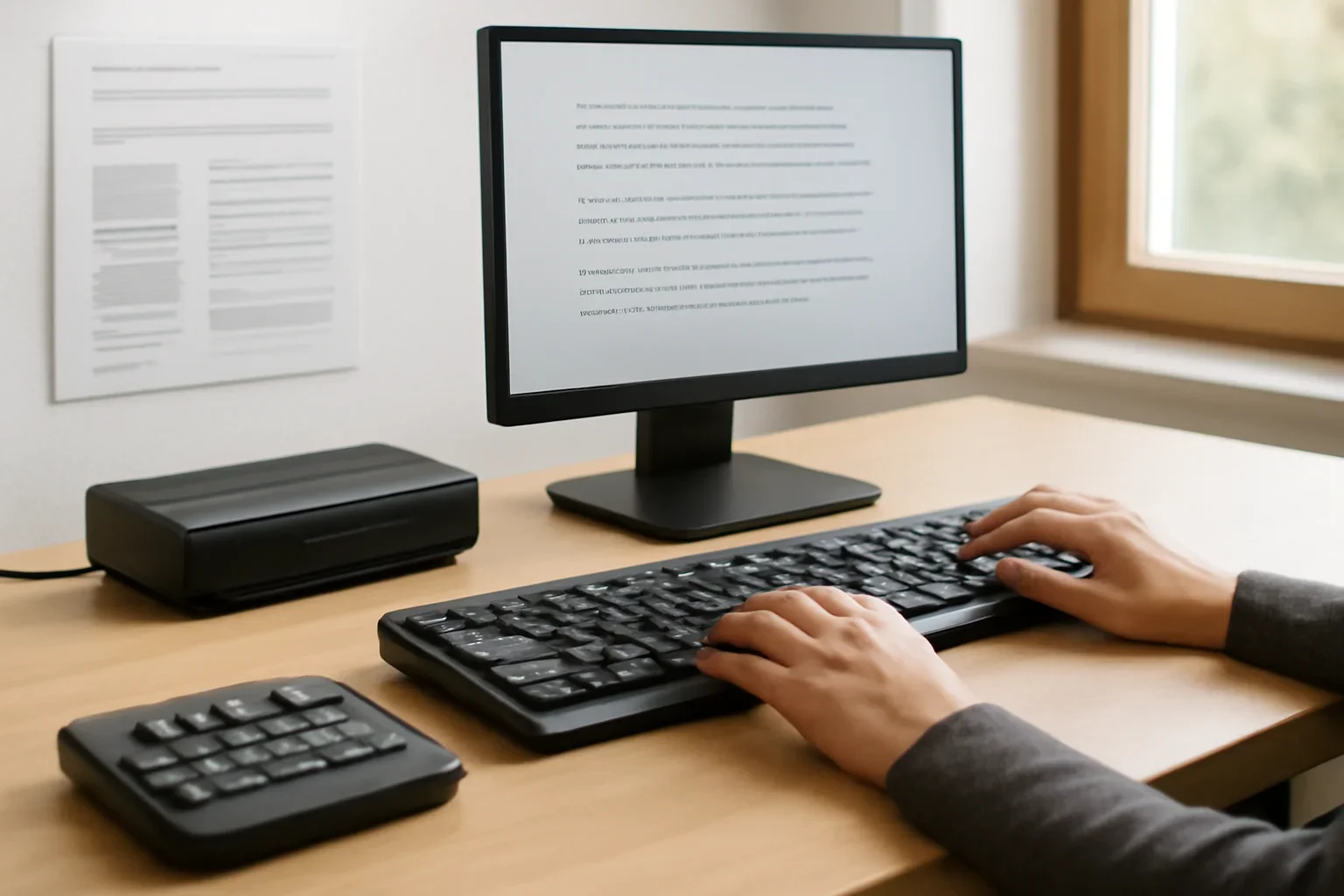
We aim for readable layouts, meaningful structure, descriptive links, and media handling that supports a wider range of readers.
As the site evolves, accessibility improvements are reviewed alongside design, performance, and editorial needs.
Complex embeds, third-party tools, older archived pages, or legacy design patterns can sometimes create uneven experiences.
When a problem is identified, we prioritise fixes that make core reading and navigation easier.
If a page is difficult to read, navigate, or use with assistive technology, tell us what happened, on which page, and on what device or browser.
Specific details help the team reproduce the issue and improve the experience more quickly.
We aim for readable layouts, meaningful structure, descriptive links, and media handling that supports a wider range of readers.
Complex embeds, third-party tools, older archived pages, or legacy design patterns can sometimes create uneven experiences.
If a page is difficult to read, navigate, or use with assistive technology, tell us what happened, on which page, and on what device or browser.
Next step
Accessibility feedback is always helpful, especially when it includes the page URL and the exact barrier you encountered.
Readers usually get the most value by pairing one core page with a related desk and the newsletter.